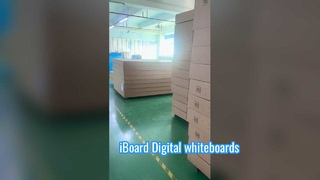
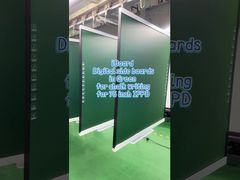
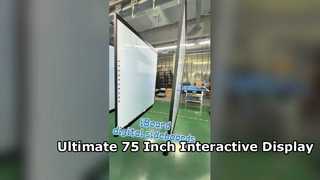
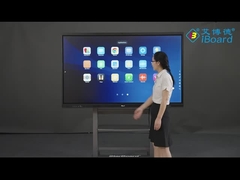
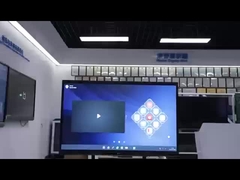
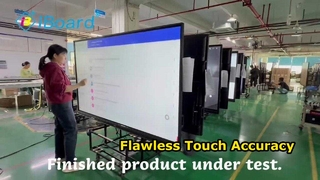
Brief: Observe the step-by-step operation and see practical examples of usage. This video demonstrates how to set up and use the 89-inch Infrared Interactive Whiteboard for classrooms and offices. You will see the connection process between the board, your laptop, and a projector, followed by a showcase of its intelligent writing, touch control, and gesture recognition features in action.
Related Product Features:
Features a large 89-inch infrared touch display with 10-point touch capability for multi-user interaction.
Utilizes a durable board panel with Nano/Ceramic surface and XPS/Aluminum honeycomb core construction.
Offers intelligent writing and touch control functions including writing, magnifying, shrinking, erasing, and dragging.
Supports gesture recognition within the integrated smart board software for intuitive control.
Compatible with multiple operating systems including Windows, Linux, Mac, and Android.
Provides versatile installation options including wall mounting, cabinets, or mobile stands.
Designed for reliable performance with high touch accuracy and durability exceeding 35 million touches.
Available in multiple sizes from 78 inches up to 164 inches to suit various room configurations.
FAQs:
How does the interactive whiteboard work?
You need to connect the USB cable of the interactive whiteboard to your laptop and connect the projector to the laptop via HDMI or VGA cables to enable full functionality.
Can I use a whiteboard pen to write on the interactive board?
The nano surface is primarily for projection and writing is recommended through the software. If physical writing is necessary, use a ceramic surface (available at extra cost) and clean immediately with a wet cloth.
What is the lead time for orders?
Lead time is typically 15 working days for verification samples and 20-25 working days for mass production orders.
How long is the warranty period?
The product comes with a 3-year warranty, including provision of spare parts and necessary guidance for after-service issues.